
One Workflow for Medical Records: Inside the Supio + YoCierge Integration
Learn how Supio and YoCierge let you order medical records, review them, and automate follow-up without ever leaving the case, with insights from a managing partner who beta tested it on live cases.
Every personal injury case starts with medical records, and too many cases stall waiting on them. Chasing authorizations, re-keying patient details, and checking a second system for status all slow the path from intake to case strategy.
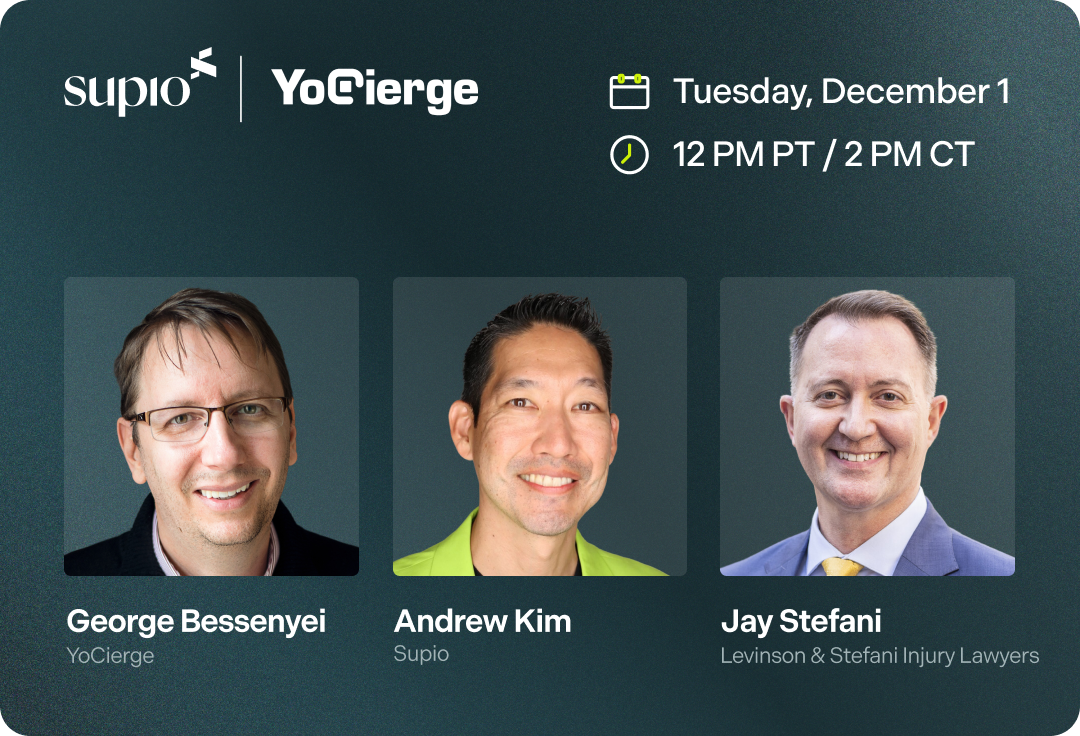
Jay Stefani, Managing Partner at Levinson & Stefani Injury Lawyers, joins George Bessenyei, CEO of YoCierge, and Andrew Kim of Supio. Together they show how firms can upload a signed HIPAA authorization, order records through YoCierge, and put those records to work in Supio Agent without leaving the case. Supio reviews records as they arrive and flags gaps that can trigger the next request.
Jay beta tested the integration on live cases. He shares what ordering looked like in practice, and the paralegal follow-up workflow he built in Supio, which creates tasks and deadlines automatically when records are ordered.
What you'll walk away with:
- One workflow, start to finish. How the signed authorization attaches to the YoCierge order and the records flow back into the case.
- A managing partner's view. What Jay learned testing the integration on real cases.
- Follow-up that runs itself. How automatic tasks and deadlines keep paralegals on top of outstanding requests.
- Retrieve, analyze, detect, retrieve again. How gaps found in review can drive the next record request.
- Is outsourced retrieval right for your firm? What to consider, and how firms get started with YoCierge.
Panel



Save your spot
See Supio In Action
Book a demo to see all the ways Supio can help your firm maximize settlements and take on more cases.