
Document Ingestion for Personal Injury
Let Supio capture documents in real time.
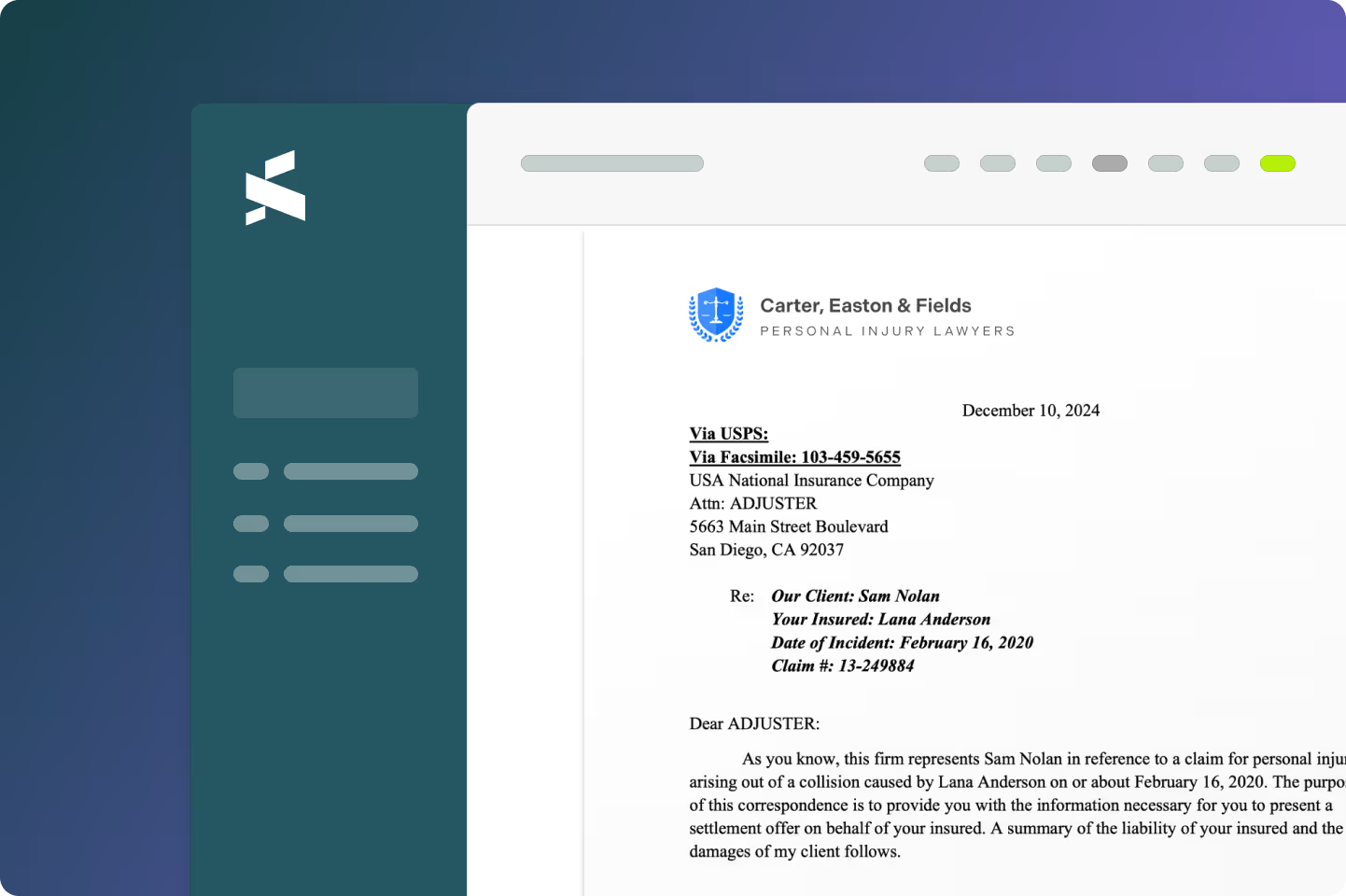
Free your team from manual work. Stop downloading, sorting, and uploading. Forward any email or document to your firm's Supio inbox address and watch it land in the right case.
Every document, in the right case. Automatically.

Forward once

AI matches documents to the right case

Instantly usable for Chat and drafting
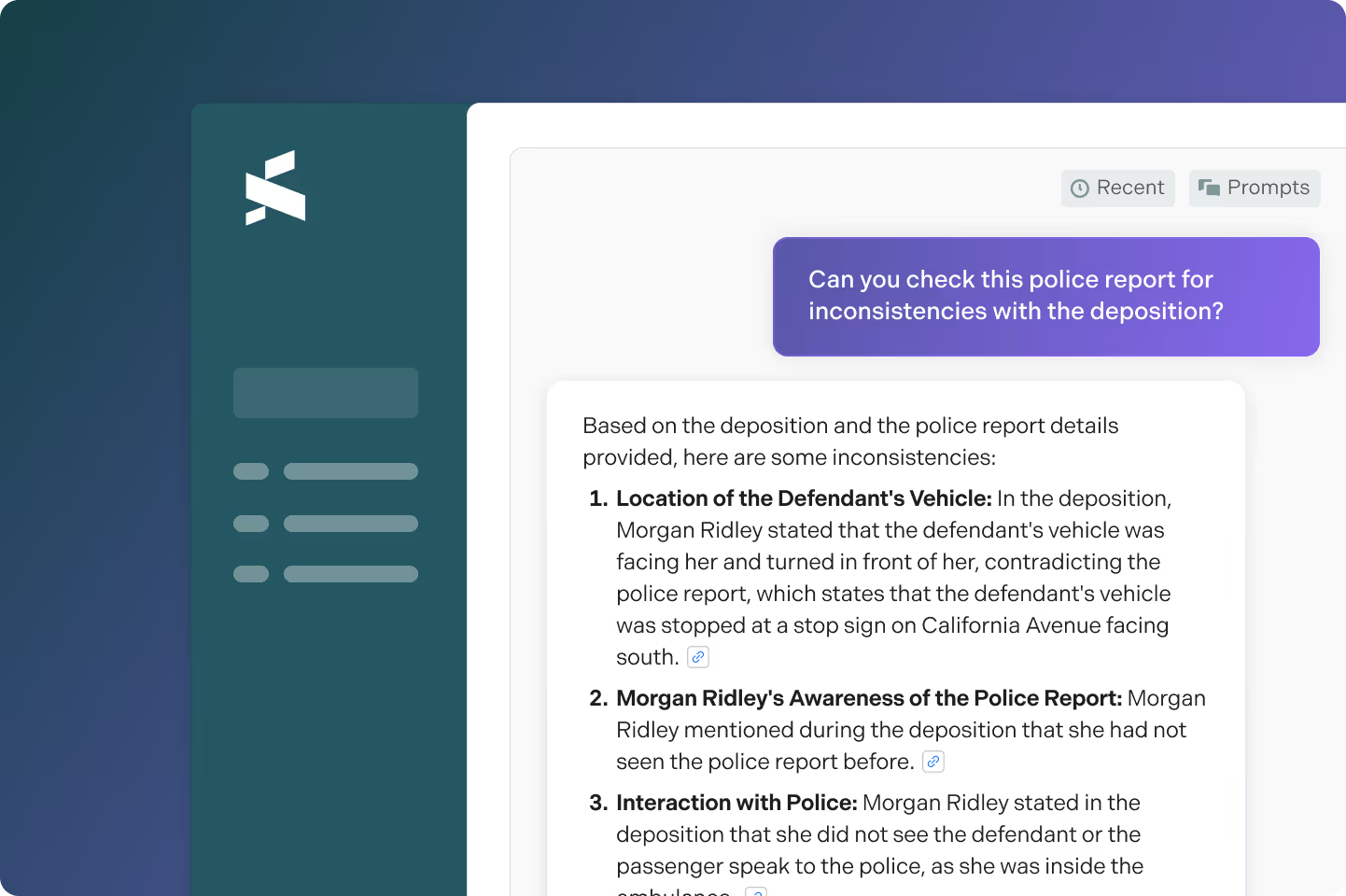
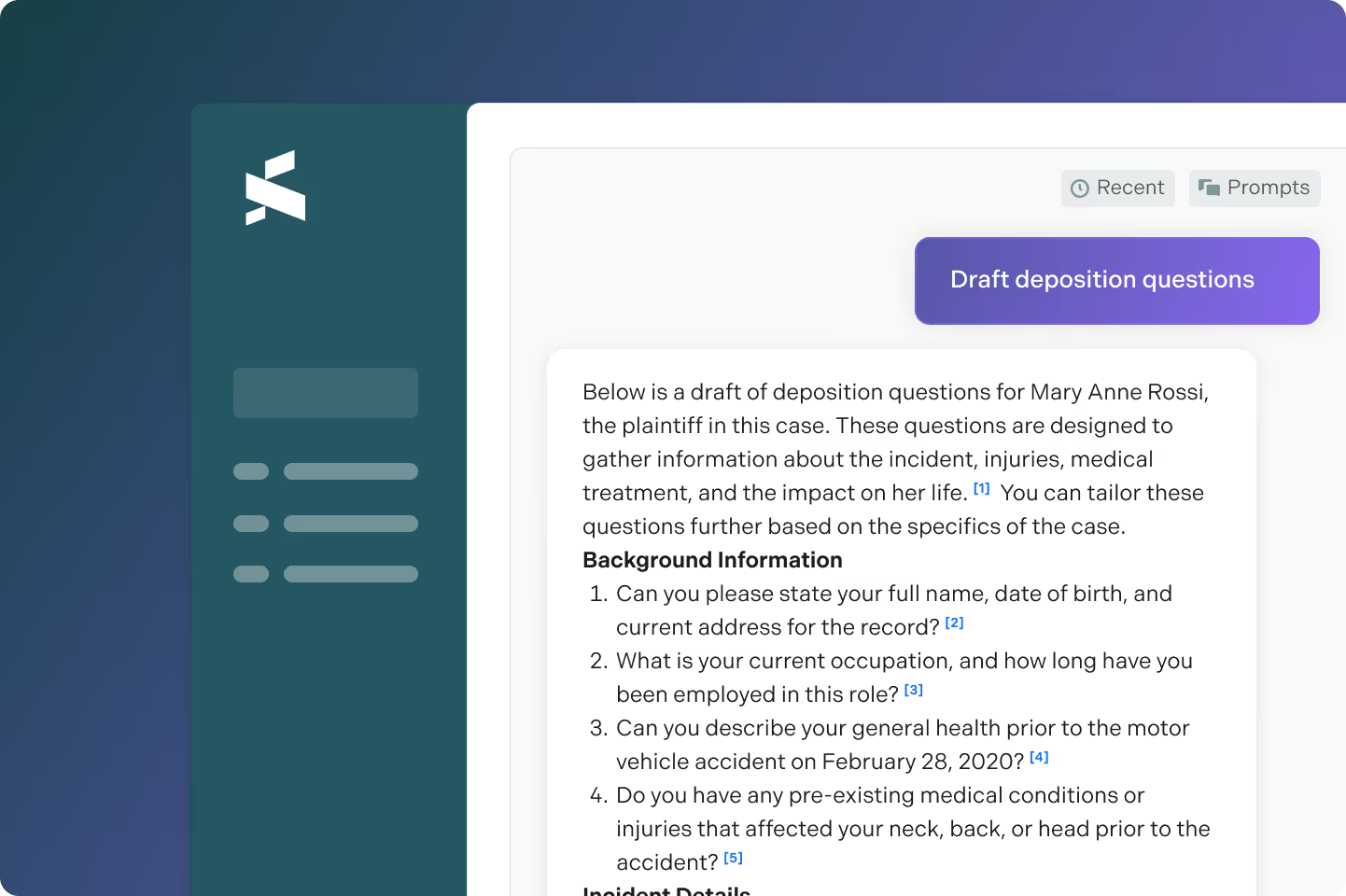
Confirmed documents become live context for chat the moment they're added. Ask Supio how new chiropractic records affect medical specials, or use a defense expert's report to prepare deposition questions right away.
Get time back to focus on your clients
Supio Inbox: Forward any email
Every Supio firm gets a dedicated inbox address. Forward an email with records, discovery documents, or correspondence and Supio processes everything in the background.
Intelligent Matching: Supio finds the case — you just confirm
Supio reads every forwarded document for patient names, case captions, party names, and case IDs, then surfaces the most likely case match for review. Documents that can't be confidently matched land in a separate queue so nothing slips through, and nothing gets misfiled.
Bulk Document Handling: One email. Four providers. Zero sorting.
Records retrieval services often bundle multiple providers into a single email with all arriving as separate attachments at once. Supio ingests every attachment, associates each to the correct case, and surfaces them for a single batch confirmation.
Instant Context for AI: Ask questions the moment records arrive
Once confirmed, forwarded documents are immediately available as context for Chat and drafting — no additional steps required. Ask how newly ingested chiropractic records affect total medical specials. Surface contradictions between a defense expert's biomechanical report and your client's treatment history. Draft a rebuttal to an adjuster's low offer grounded in specific citations from records that arrived this morning.






















Frequently Asked Questions
For most emails, processing takes under a minute after forwarding. Once you confirm the case match with one click, documents are immediately indexed and available as context for Chat and drafting.
Supio reads the content of the email body and every attachment — looking for patient names, case IDs, case captions, and party names and matches them against your active caseload. If a confident match is found, it appears under "This Case" for one-click confirmation. Documents that don't match clearly land in a dedicated section so they can be manually reviewed and assigned. Nothing gets misfiled or silently discarded.
Yes. Supio handles emails with any number of attachments — including multi-provider records bundles where a single email contains PDFs from an ER, an MRI facility, an orthopedic surgeon, and a pain management clinic. Each attachment is processed independently and associated to the correct case. You confirm them in a single batch review rather than uploading and filing each document one at a time.
Any team member can forward documents to the firm's Supio inbox address without needing to log in first. Your personal email is whitelisted automatically. Additional email addresses can be added under the Email tab in your personal settings. This means paralegals, case managers, associates, and intake staff can all route documents into Supio from wherever they're already working.
Yes. Supio ingests both the email body and every attachment. This matters especially when the critical information is in the email itself like an adjuster's settlement offer and rationale, or a defense counsel's summary of their position. Once confirmed, the attorney can pull up that email body in Chat and ask Supio to compare the adjuster's stated reasoning against the actual medical evidence on file. The entire email thread becomes case context, not just the PDFs attached to it.
See Supio in Action
Book a demo to see all the ways Supio can help your firm maximize settlements and take on more cases.